

User journey and screen design
Starting, action and outcome steps become a screen sequence with clear guidance and feedback.
Mobile applications · From screens to workflows
Define the task your customers or staff need to complete on a phone. Screens, data connections and publishing requirements belong in the same project plan.
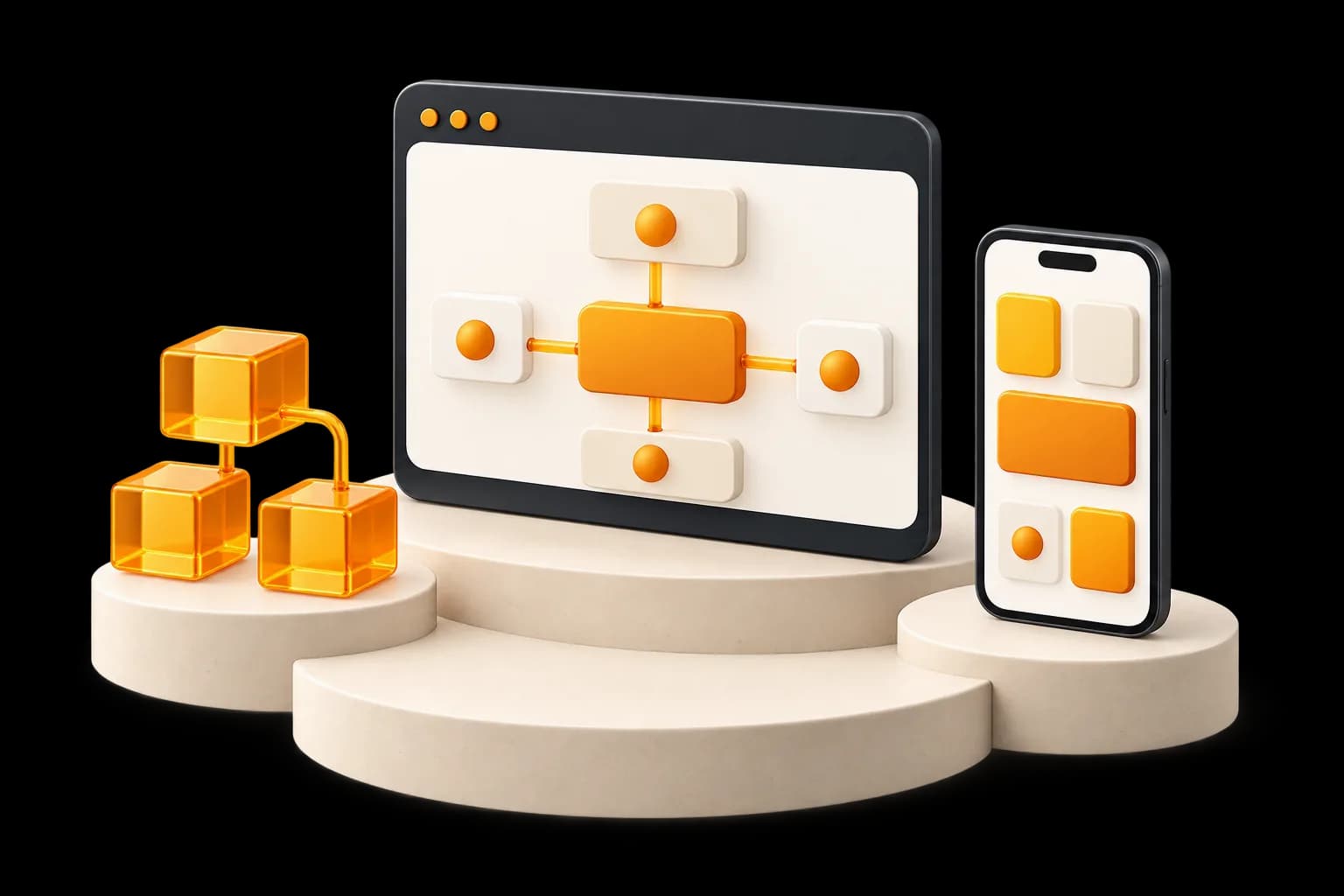
Technical dependencies and supported platforms are confirmed with the selected product.
Starting, action and outcome steps become a screen sequence with clear guidance and feedback.
iOS and Android work, device and version coverage and platform-specific needs are defined together.
API exchange, connection conditions and error paths are checked through device use scenarios.
This illustrative scenario is not a customer project; it explains screens and data flow.
The user finds the desired action and required information.
Screen guidance helps submit information while waiting or errors are explained.
The result and possible next step appear on an understandable screen.
An illustrative workflow, not a customer project.
Approvals and publishing preparation follow the project plan.
Define devices, users and priority actions.
Planned outputPlatform and journey scope
Approve screen drafts and required data connections.
Planned outputScreen map and technical needs
Evaluate the agreed application using selected device scenarios.
Planned outputApplication and findings for review
Share account, access, publishing requirements and usage information.
Planned outputPublishing preparation and handover list
Acceptance checks match agreed platforms and features.
Store acceptance is not guaranteed; accounts, cloud, licences and maintenance are confirmed separately.
The product or project specifies platform coverage. Both are not assumed to be included; device and version needs are reviewed at the start.
API documentation, permissions and data are reviewed. Agreed connections may enter the scope; unavailable system operations are not assumed.
No. Accounts, requirements and reviews depend on the platform. Publishing preparation is explained without guaranteeing App Store or Google Play acceptance.
Agreed waiting, connection and error cases are defined in the test scenarios. Additional requirements such as offline use are assessed separately.
Maintenance, new versions and support are defined in the product or agreement. Third-party fees and later features may require separate scope.
Check platform, screen and support scope in current products, then clarify the journeys your users need.
Mobile Application
Requirements, core user flow and delivery estimate.
Estimated delivery: 7–10 business days
Excluded: Production application
Excluded: App store account fees
Excluded: Backend development